Session Editor
The Session Editor allows administrators to manage all aspects of a session after it has been created. From the Session Editor, users can update session settings, manage forms, organize participants into groups, assign permissions, send invitations, and review an audit history of changes made to the session.
1. Invitations
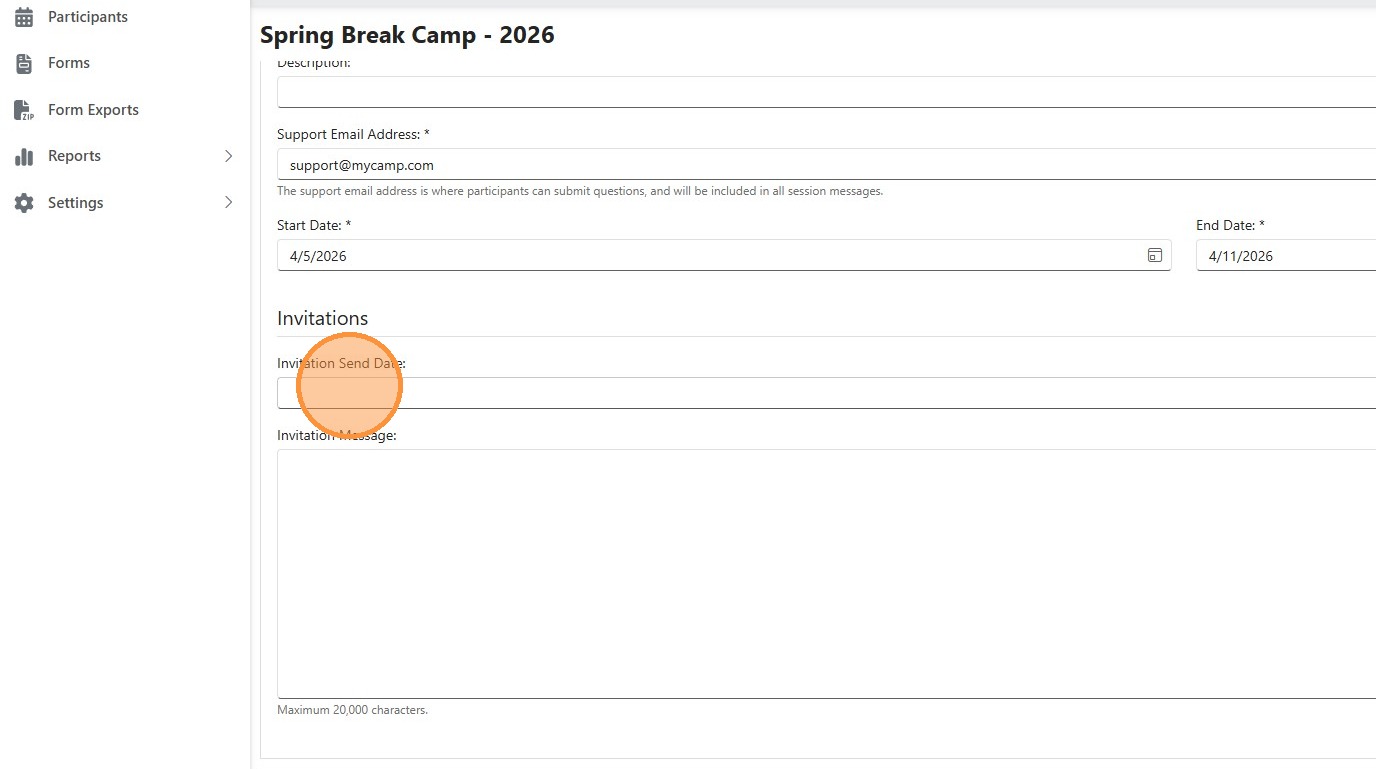
After the session is created, additional settings can be configured, including a Session description, the date invitations are sent to participants, and a custom invitation message. This message is included in the email sent to participants.
2. Forms

After the session is created, you can add additional forms by clicking the "Add Form" button and selecting another form to include in the session.
forms.
3. Groups

Participants can be organized into groups. Groups can be added, deleted, or merged as needed. Groups can be added when adding participants.
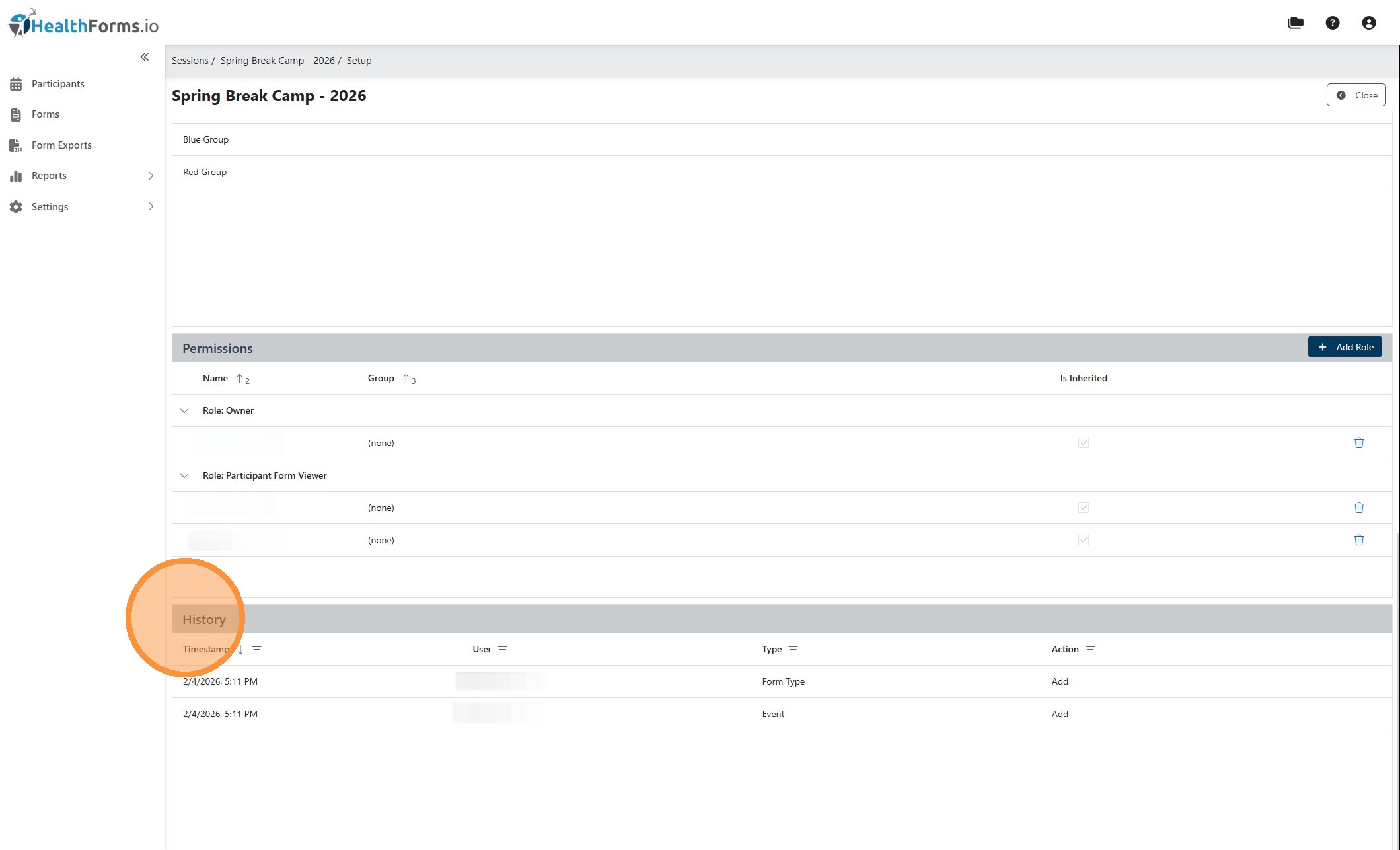
4. Permissions

Users can be assigned to a session so they only have access to the sessions they are responsible for. Users can also be assigned to a specific group within a session, which limits their access to participants in that group only.
The following permissions can be assigned:
-
Participant Form Reviewer
Allows the user to review and take action on participant form submissions. -
Participant Form Viewer
Allows the user to view participant form submissions but not review them. -
Participant Viewer
Allows the user to view participant information without access to form submissions.
5. History
The History section maintains an audit log of all changes made to the session, including details of the change and the user who performed the action.
Related Articles
Create HealthForms.io Session
During setup, you must provide a session name, a support email address for participant questions, active start and end dates, and select a form. Each session also requires choosing a form flow, which determines whether submissions are reviewed ...April 2026 Platform Improvements & New Features
Release window: March 2, 2026 – April 16, 2026 New Features & Integrations Black Pug Software / 247Scouting Integration Our integration with Black Pug Software's 247Scouting platform is now complete. Camps and units already using 247Scouting for ...Security - Roles & Permissions Guide
HealthForms Manager uses a granular permission system that allows organizations to precisely control what each user can access and do. Rather than broad "admin" roles, permissions are assigned individually and can be scoped to the entire ...Add Participant
The manual participant process allows administrators to add individual participants directly to a session through the portal. Administrators can enter participant details, assign optional identifiers for integration with external systems, place ...Import Participants
The import participants process allows administrators to add participants to a session in bulk using a CSV or Excel file. Administrators can map file columns to HealthForms fields, assign external identifiers, group participants, schedule invitation ...